

How do I set up my LIGHT device?
![[object Object]](https://cdn.sanity.io/images/h29o7kl4/staging/0c0476690b5e49f9a375deb663c4d52aa39fa8e2-352x351.heif?w=352&q=80&auto=format&fit=max)
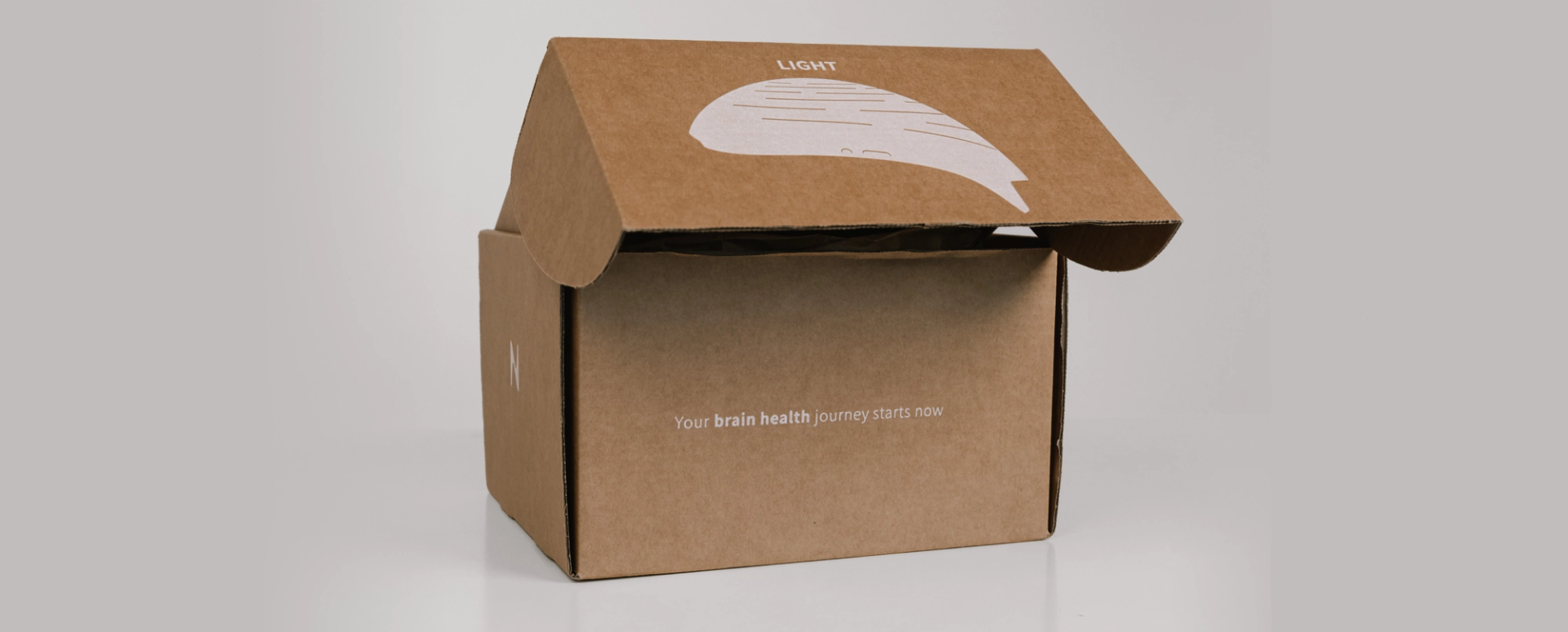
What is the Neuronic LIGHT?
The Neuronic LIGHT is a transcranial photobiomodulation (tPBM) device that emits light in the near-infrared spectrum. Designed to be worn on the head, it's built for general wellness - promoting energy and relaxation as part of your everyday routine.
Setup takes just a few minutes. Follow the steps below to fit, power, and pair your helmet.
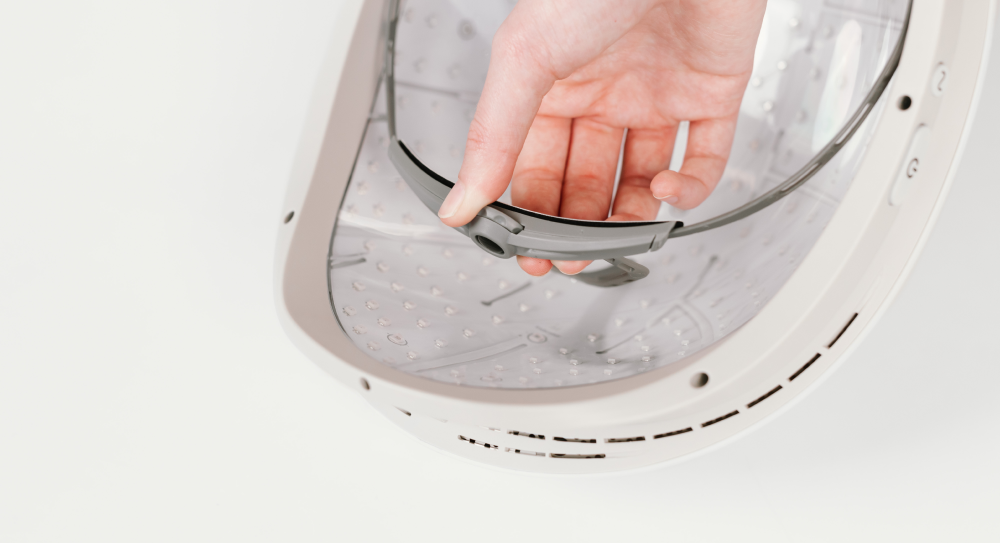
Step 1: Fitting the Helmet
A proper fit ensures you get the most from every session. Here's how to dial it in:
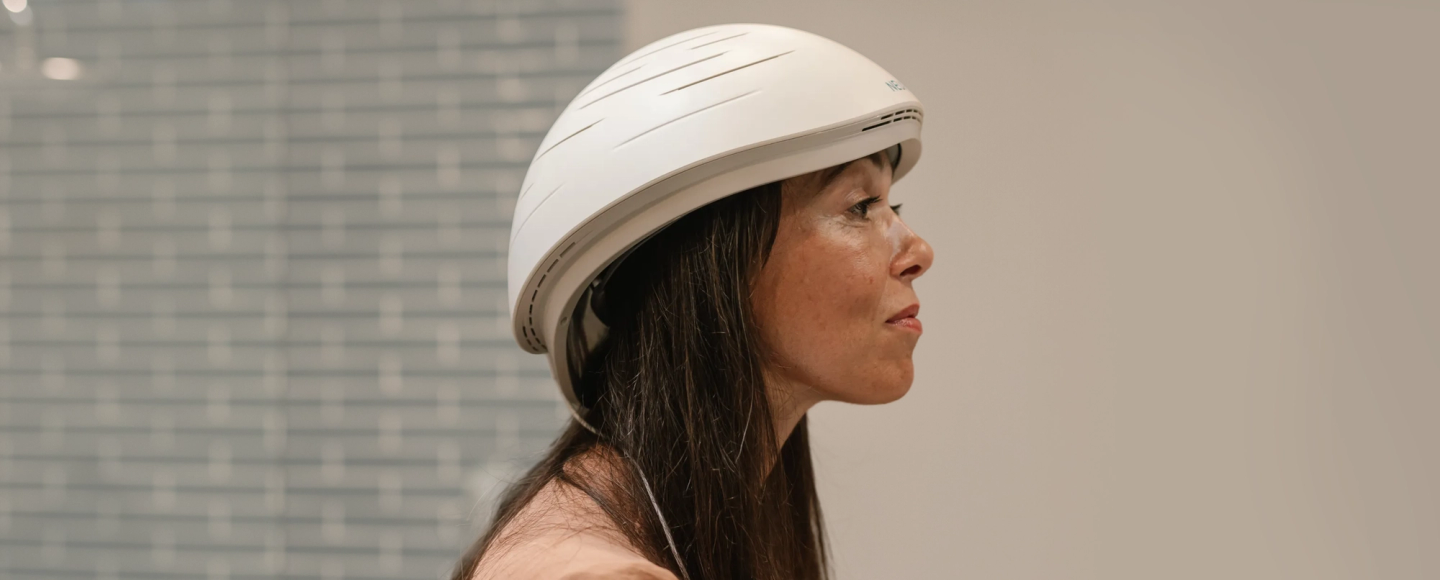
- Place the helmet on your head. Set it on your head and check the back adjuster for initial fit.
- Adjust the back dial. Remove the helmet and turn the dial to tighten or loosen it as needed. The device also comes with different-sized Velcro pads that you can add and remove as needed.
- Recheck and refine. Put it back on and confirm it sits level - no tilting. Readjust if needed until it feels secure and comfortable.
Step 2: Powering the Helmet
The Neuronic LIGHT can be powered two ways depending on how you want to use it:
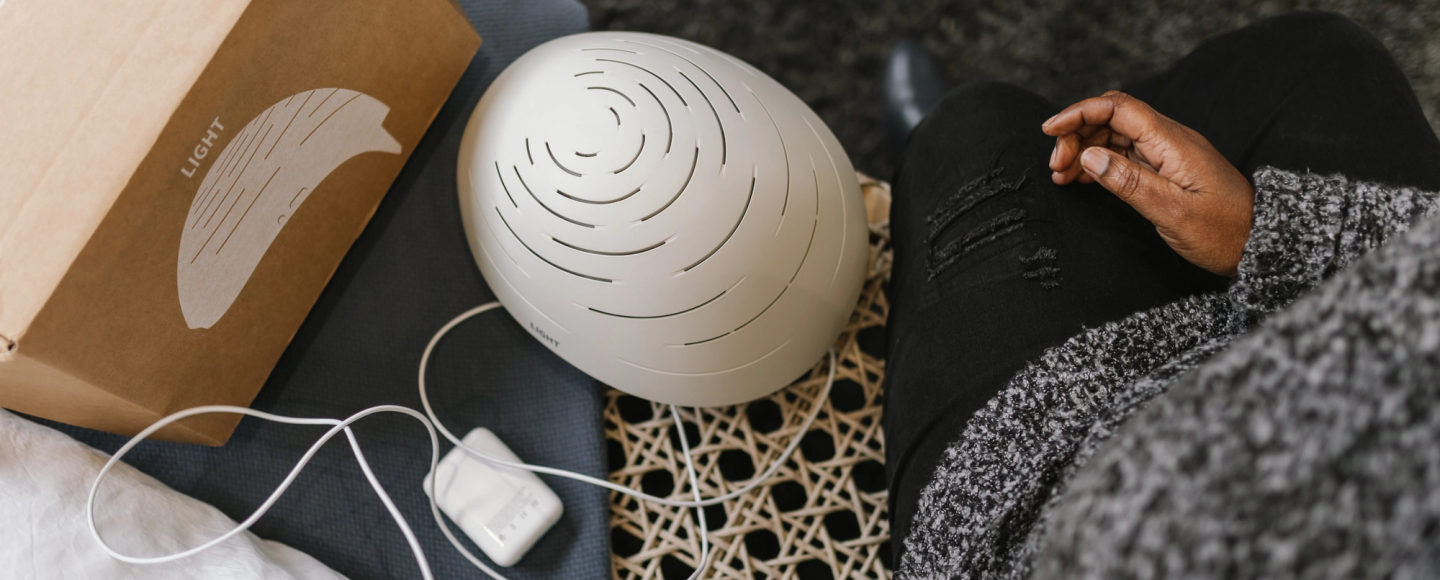
- Wall socket (stationary use) - Plug directly into a socket for sessions at your desk or at home.
- Battery (portable use) - Use the battery pack when you're on the go. Make sure it's charged to at least 50% before starting a session.
Step 3: Starting Your First Session
Once the helmet is on your head and powered, here's how to begin:
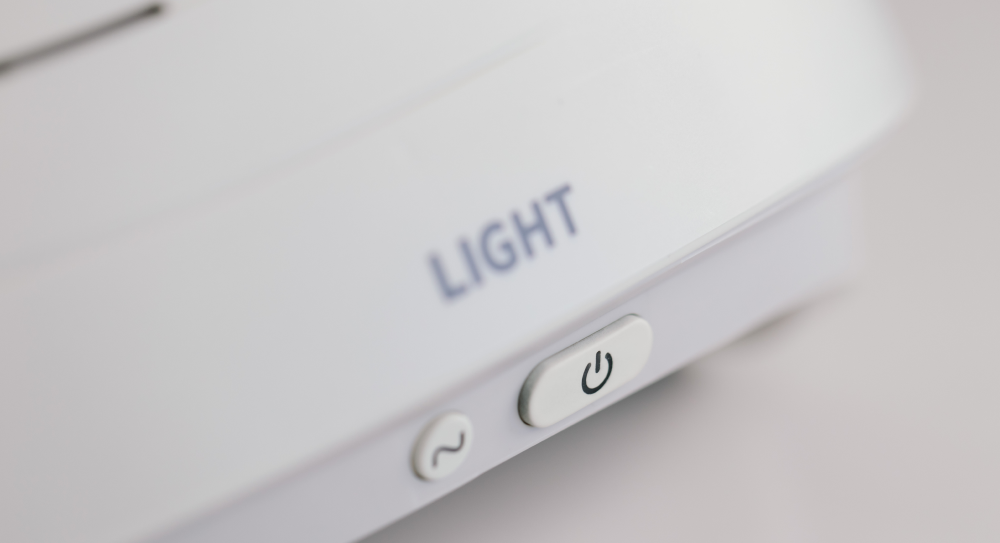
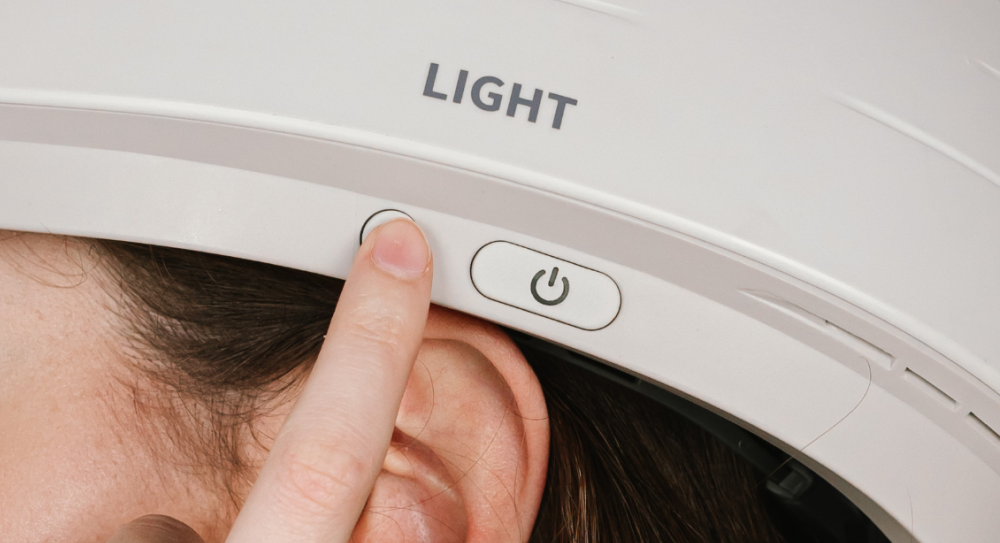
- Turn on the helmet - Press the Power Button briefly to power it on.
- Start the Glow program - With the helmet on your head, press and hold the Quickstart Button to begin. By default, this launches the Glow program. If you've previously selected a different program through the Neuronic app, it will start that program instead.
*The Power Button and Quick Start Button are located on the side of the helmet. The Power Button 1 powers the device on; the Quick Start Button launches your last used protocol.
Step 4: Download & Pair the Neuronic App
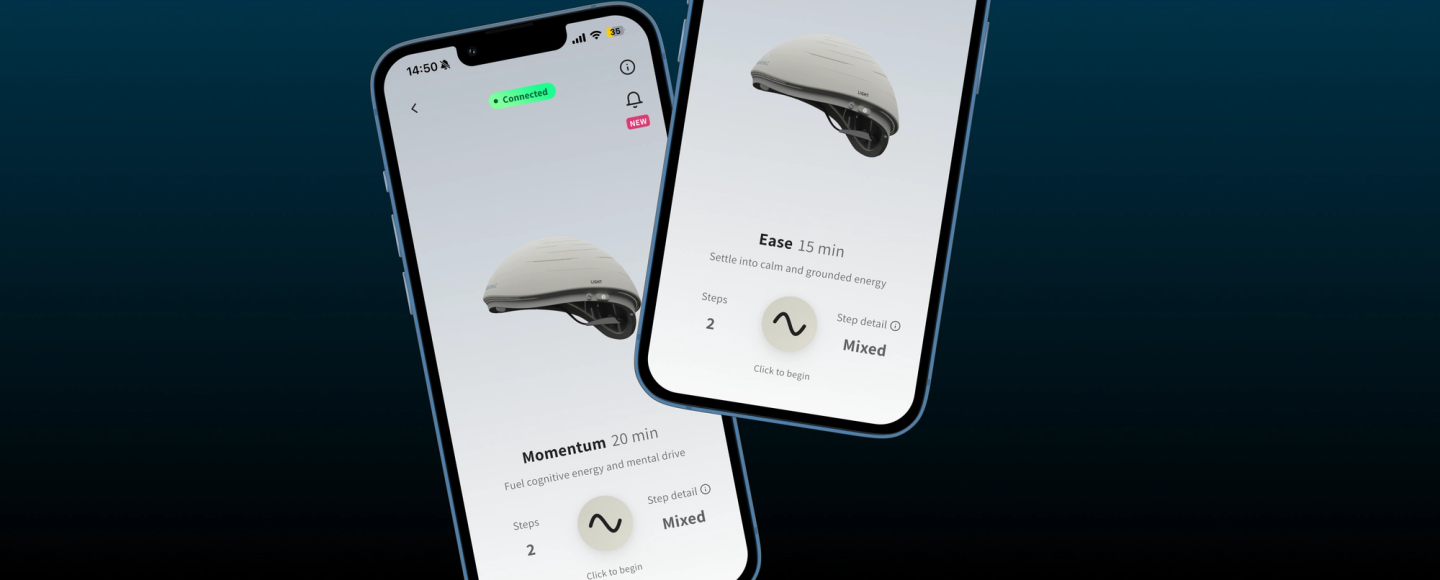
The Neuronic app unlocks the full potential of your helmet - including preset programs, personalized sessions, and brain health resources.
- Download the app. Scan the QR code on your Quick Start Guide, or search for Neuronic on the App Store or Google Play.
- Turn on your helmet. Press the Power Button to power it on. It will automatically enter pairing mode - you'll see blinking white lights behind the Power Button.
- Ensure that Bluetooth is turned on. If Bluetooth is not enabled, the app will guide you to turn it on.
- Open the app, and the helmet name will be displayed (e.g., “Neuronic_
- LIGHT_1a2b3c”).
- Select the displayed name in the app to pair the helmet with your device. Once successfully paired, the Power Button will glow with a steady white light, confirming the connection.
- This ensures your helmet is connected and ready for use with the Neuronic app.
Available Programs
Once paired, you'll have access to preset programs designed for different goals. Here's what's available:
- Glow: Renew and revitalize cellular health
- Peace: Enhance relaxation and reduce stress
- Balance: Increase blood flow and oxygenation
- Focus: Increase clarity and concentration
For more information, watch the video below for a play-by-play walkthrough of setting up your device:

Subscribe for insights, tips, offers & more.
By signing up, you accept our privacy policy. Your personal data will be processed so that we can contact you about our products. Read our Privacy Policy for more information.