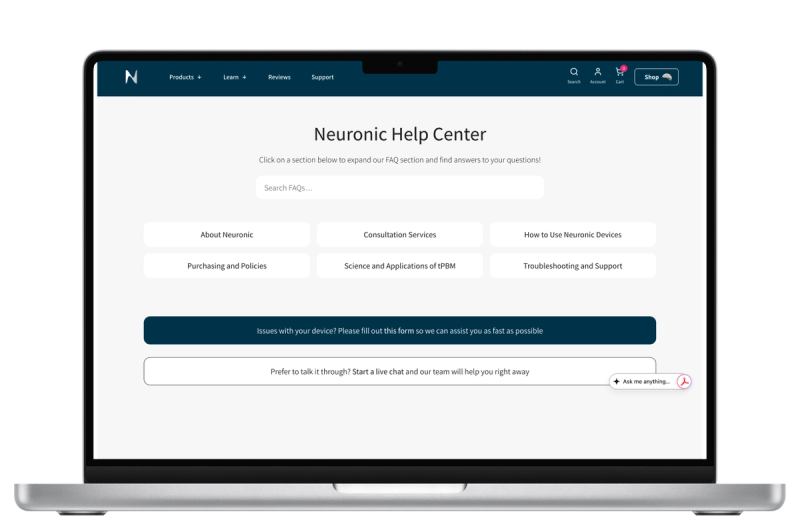


Getting started with Neuronic LIGHT
This page will answer all your questions and get you set up with your new near-infrared light helmet
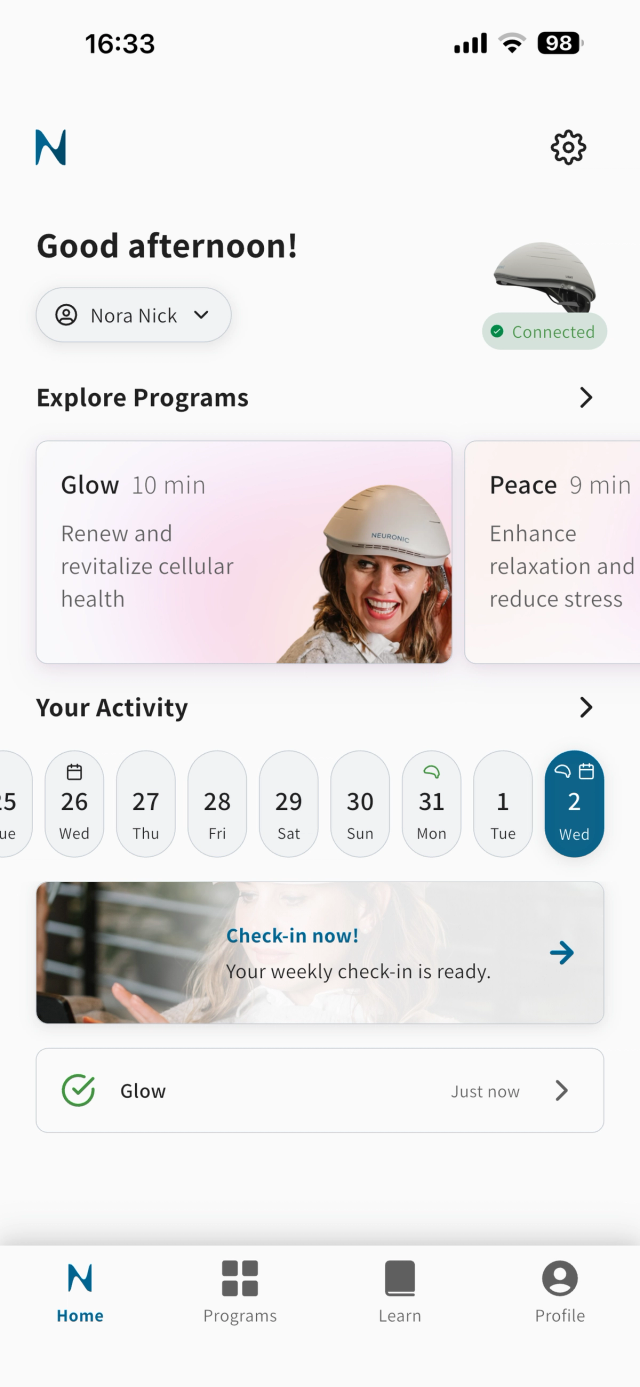
Download the Neuronic App to Get Started


Watch some videos to help you get started
FAQs
Do I need the Neuronic app to use the Neuronic LIGHT?
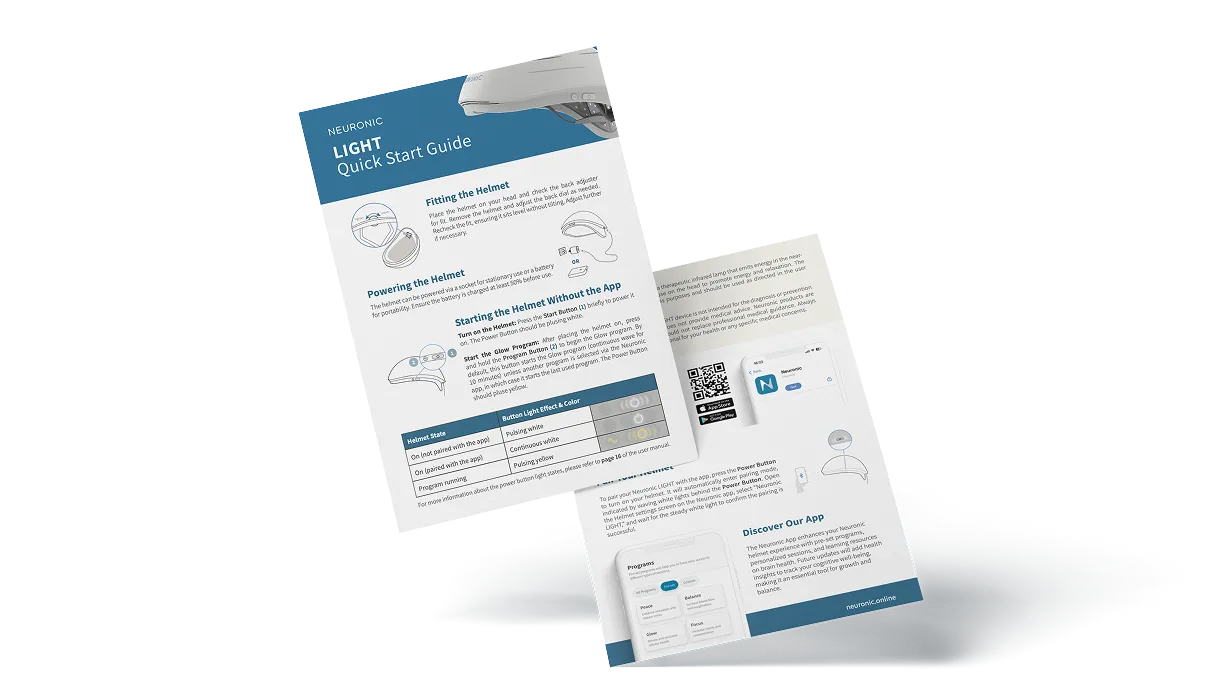
No, you do not need the Neuronic app to use the Neuronic LIGHT. The device can be operated manually using the power and Quick Start buttons located on the helmet.
When used without the app, pressing the Quick Start button will start the last protocol that was used, or default to the Glow protocol if it’s your first time using the device. This allows you to begin sessions right away without connecting to a smartphone or tablet.
However, the Neuronic app is required to unlock advanced features and customization. Through the app, you can:
- Change protocols
- Adjust session duration
- Modify pulse rate
- Control light intensity
Using the app provides greater flexibility and personalization, allowing you to tailor sessions to your specific goals or provider recommendations.
What are the two buttons on the side of my helmet?
The larger button on the side of the helmet is your power button. You will push this button to turn the helmet on and connect it to the app to run protocols. The smaller button next to this is called the “Quick Start” button. When you first receive your device, this button will run the Glow protocol. Once you connect your helmet to the app and run another protocol, the button will run the last session started. We recommend using the app to run protocols so you know what protocol you are using and to keep track of your sessions.
How do I best care for my device to maintain it?
To keep your Neuronic device in good condition, always handle the device wires carefully, especially when assembling or taking the device apart.
When not in use, we recommend storing the device in its carry case or bag. This helps protect it from dust and reduces the risk of accidental damage.
For cleaning, do not use sprays or liquid cleaners on the device. Instead, gently wipe the surfaces with an antibacterial wipe, which is sufficient for routine cleaning.
How do I connect my Neuronic LIGHT to the Neuronic app?
Here is a helpful video on setting up the Neuronic LIGHT and connecting to the app.
To connect your Neuronic LIGHT helmet to the app, follow these steps:
- Download the Neuronic App here.
- Turn on the helmet to enable pairing mode. If it’s not already connected to another device, it will automatically enter pairing mode. The power button will slowly flash/wave a white light to indicate it is in pairing mode. Enable Bluetooth on your smart device.
- Open the Neuronic app and create an account using your email address. Once the app is open you should see an option to connect your device. Your helmet should appear in the list (e.g., Neuronic_LIGHT_1a2b3c).
- Select the helmet name to connect. Once paired, the power button will glow solid white to confirm the connection.
📌 Tip: Stay within 16 ft (5 m) of your smart device for a strong signal. If the connection is lost, moving closer will usually re-sync it automatically.
If you're having trouble pairing, make sure your Neuronic app is up to date and ensure it is in pairing mode. If you need assistance please contact our support team.
Can multiple people use the same helmet?
Yes! If multiple individuals are using the Neuronic LIGHT, make sure to disconnect the helmet from the app after you finish your session so that the helmet may connect to another person’s app. The Neuronic LIGHT can only be connected to one app at a time.
How long is each PBM session?
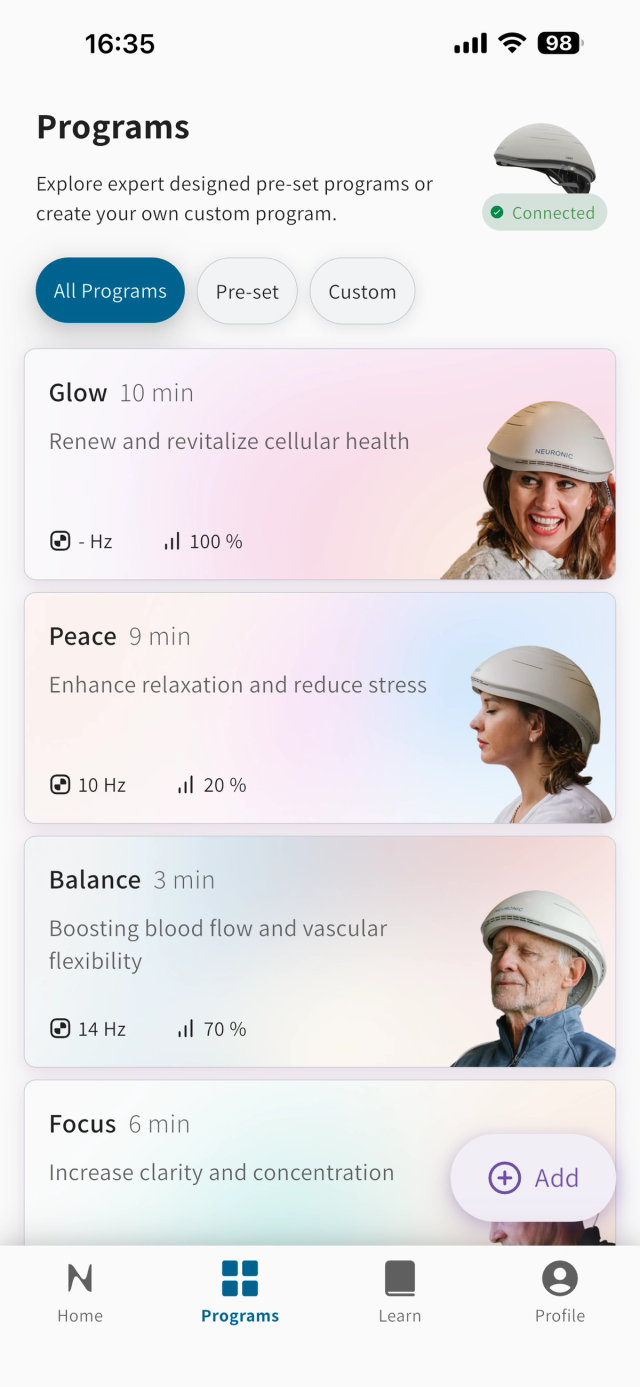
The duration of each Neuronic photobiomodulation (PBM) session depends on the selected protocol.
Current protocol lengths are:
- Peace Protocol – 9 minutes
- Focus Protocol – 6 minutes
- Balance Protocol – 3 minutes
- Glow Protocol – 10 minutes
- Ease Protocol – 15 minutes
- Momentum Protocol – 20 minutes
Users can also customize session timing, pulse rate, and intensity settings based on individual preferences and professional guidance.
What is the recommended daily usage?
Neuronic recommends:
- A maximum of two sessions per day
- Not exceeding 30 minutes in a single session, or 1 hour total in a day
When starting photobiomodulation therapy:
- Begin with 2-5 minutes for the first 3 days, depending on sensitivity.
- Gradually increase duration over time if you do not notice anything.
This gradual approach allows the body to adapt to light therapy stimulation.
Can PBM sessions be customized?
Yes. Neuronic devices allow customization of:
- Session duration
- Pulse rate
- Intensity- duration of pulses
Customization should be approached thoughtfully, particularly for new users.
Summary
Photobiomodulation session length depends on the preset protocol selected, ranging from 3 to 20 minutes per session. Users may complete up to two sessions daily, not exceeding 30 minutes in a single session or 1 hour total in a day, and should begin with shorter exposure when starting.
To learn more about which protocol may be best for you, click here.
How often should I use the device?
We generally recommend using the device once or twice per day, ideally five-seven days per week.
Usage may vary depending on the individual, including factors such as age, medical history, and lifestyle.
Each session should be no longer than 30 minutes, although optimal session length may differ based on individual needs.
How to adjust the fit of your Neuronic LIGHT
You can adjust the size of your Neuronic LIGHT using the dial at the back of the helmet. Simply twist the dial, similar to a bike helmet adjuster, to tighten or loosen the fit until it feels secure and comfortable.
For additional comfort and customization, the foam pads at the front and back of the helmet are removable. You can:
- Swap them with the smaller pads included in your accessories bag, or
- Remove them entirely if you need more space
This allows you to fine-tune the fit for different head sizes and preferences.
For a step-by-step walkthrough, you can also watch this helpful video on setting up the Neuronic LIGHT.
What can I do in conjunction with light therapy?
Many people choose to engage in relaxing or low-effort activities while using light therapy. Common options include:
- Reading
- Meditating
- Using a phone or tablet
Some users also combine light therapy with brain gym or cognitive exercises. Others choose to use light therapy before or alongside other modalities, such as:
- Neurofeedback
- Hyperbaric oxygen therapy
- Vibration plate therapy
There is also research exploring added benefits when light therapy is combined with methylene blue.
Because individual responses can vary, and some combinations may not be appropriate for everyone, we strongly recommend consulting a qualified medical professional before combining light therapy with other treatments or supplements.
What time of day should I use my device?
We recommend using your Neuronic device in the morning to begin with. Using light-based brain stimulation early in the day helps avoid interference with your natural circadian rhythm, which plays an important role in sleep quality and overall brain health.
Most Neuronic protocols are designed to be used during daylight or earlier waking hours. The only protocol we recommend using in the evening or night is the Peace protocol, as it is intended to be more calming and less likely to disrupt sleep.
If you’re unsure which protocol is best for your schedule or goals, you can read more about our pre-set protocols here.
Why can’t I see the lights inside my helmet?
If you can only see 1 light in the Neuronic LIGHT, this is normal. This is an indicator light to let you know the helmet is working.
Neuronic devices primarily use 1070 nm near-infrared (NIR) light, which is invisible to the human eye. Because this wavelength falls outside the visible spectrum, most of the LEDs will not appear illuminated even though they are functioning correctly.
Why is only one light visible?
The visible light serves as an indicator or test light. On the Neuronic LIGHT, it is 1 visible white indicator light.
This visible LED confirms that the device is powered on and operating as intended.
The remaining LEDs emit near-infrared light at 1070 nm, which cannot be seen but is still active.
Is my device working properly?
If the indicator light is on and the device powers up normally, your helmet is functioning as designed.
Near-infrared light does not produce visible brightness, but that does not mean the LEDs are not emitting energy.
Summary
Most of the LEDs inside the Neuronic LIGHT emit 1070 nm near-infrared light, which is invisible to the human eye. The visible white light is simply an indicator confirming the device is working
What is overstimulation?
Overstimulation is a reaction that can occur when the body is exposed to too much light stimulation. The threshold for overstimulation varies from person to person.
Possible symptoms may include:
- Headache
- Fatigue
- Irritability
- Agitation
- Congestion
- Dizziness
These reactions can appear during a session or afterward, ranging from seconds to a few hours post-use.
To reduce the risk of overstimulation, it’s important to start photobiomodulation (PBM) for a short duration (2-5 minutes), then gradually increase usage as tolerated. More light is not always better, and optimal results can often be achieved with low time and low intensity.
Some highly sensitive users begin with sessions as short as 30 seconds. If you are generally sensitive to energetic or pharmaceutical stimulation, we recommend starting with up to one minute and slowly building usage over time.
If you have questions or need guidance, please contact consultation@neuronic.com
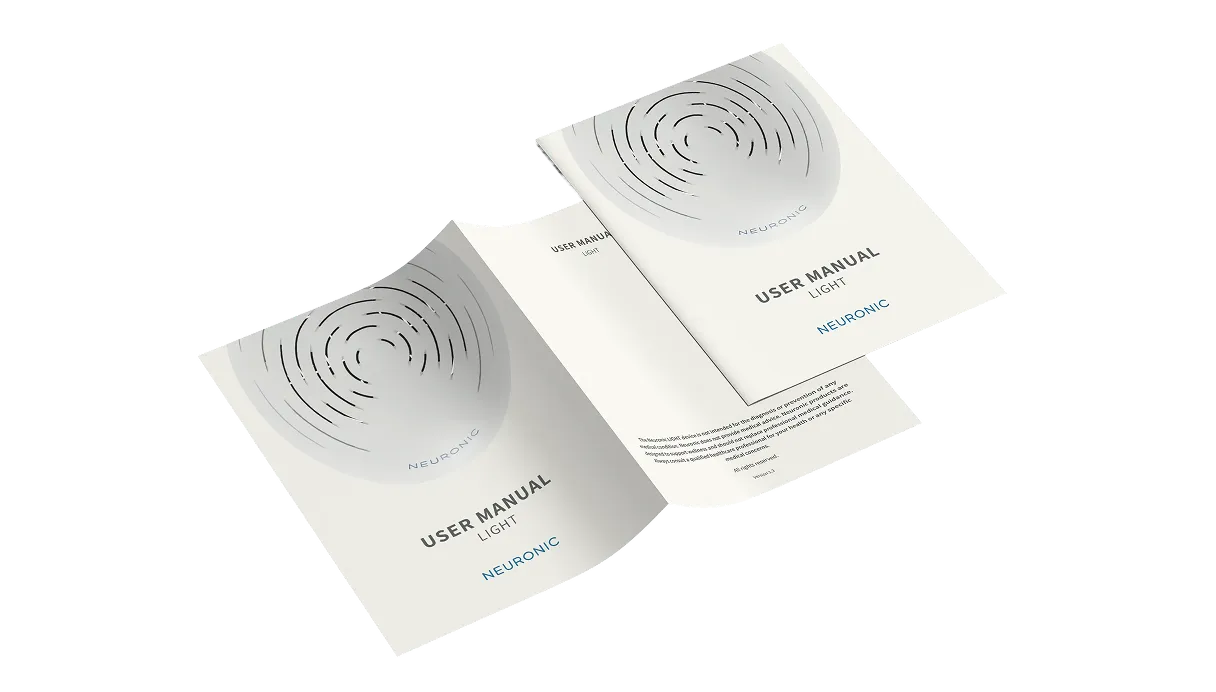
Documents & Guides
Want to learn more about light therapy?
 Blog
How Often Should You Use PBM? Here's What the Data Suggests
How often should PBM be used? Explore research on dosage, frequency, and consistency for achieving optimal brain health and recovery outcomes.

 Blog
The Role of Hydration in Enhancing Photobiomodulation (PBM) Outcomes
Learn how hydration enhances PBM results — uncovering how cellular water and light interactions improve brain health and cognitive outcomes.

 Blog
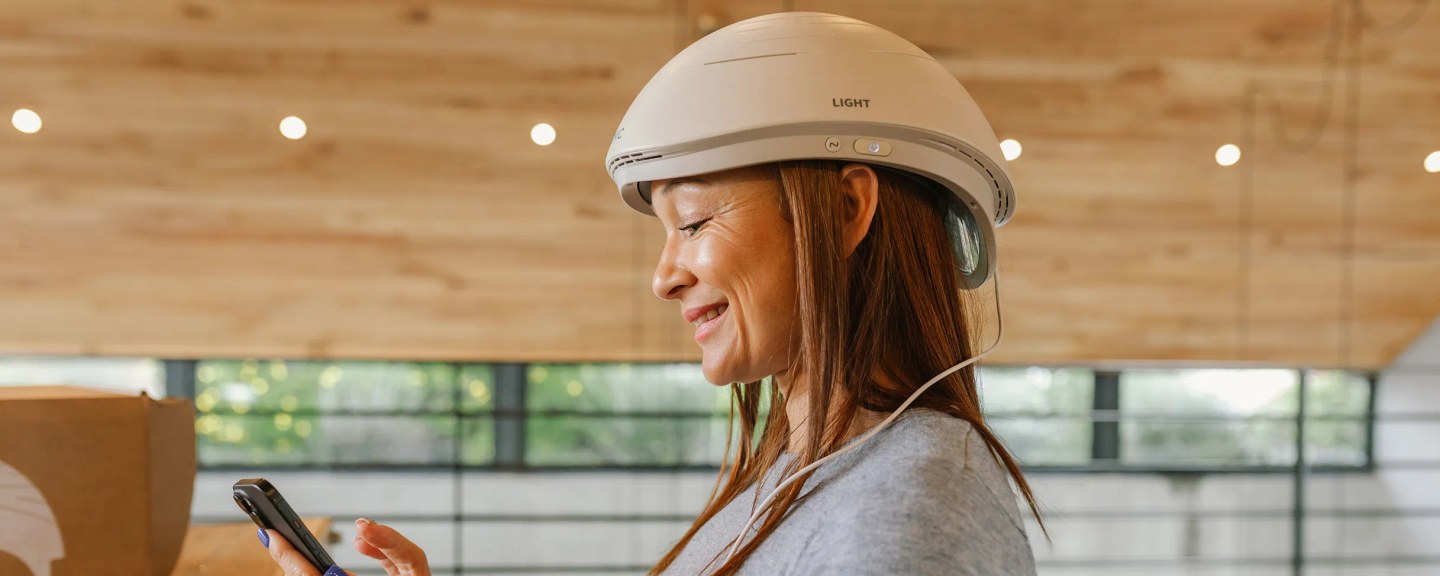
What Neuronic Protocol Should I Use?
Find the ideal Neuronic preset protocol for your brain goals — from recovery to performance. Compare our PBM settings and choose what works best for you.